
 BeforeAfter
Ayşe, 28 · mirror selfie
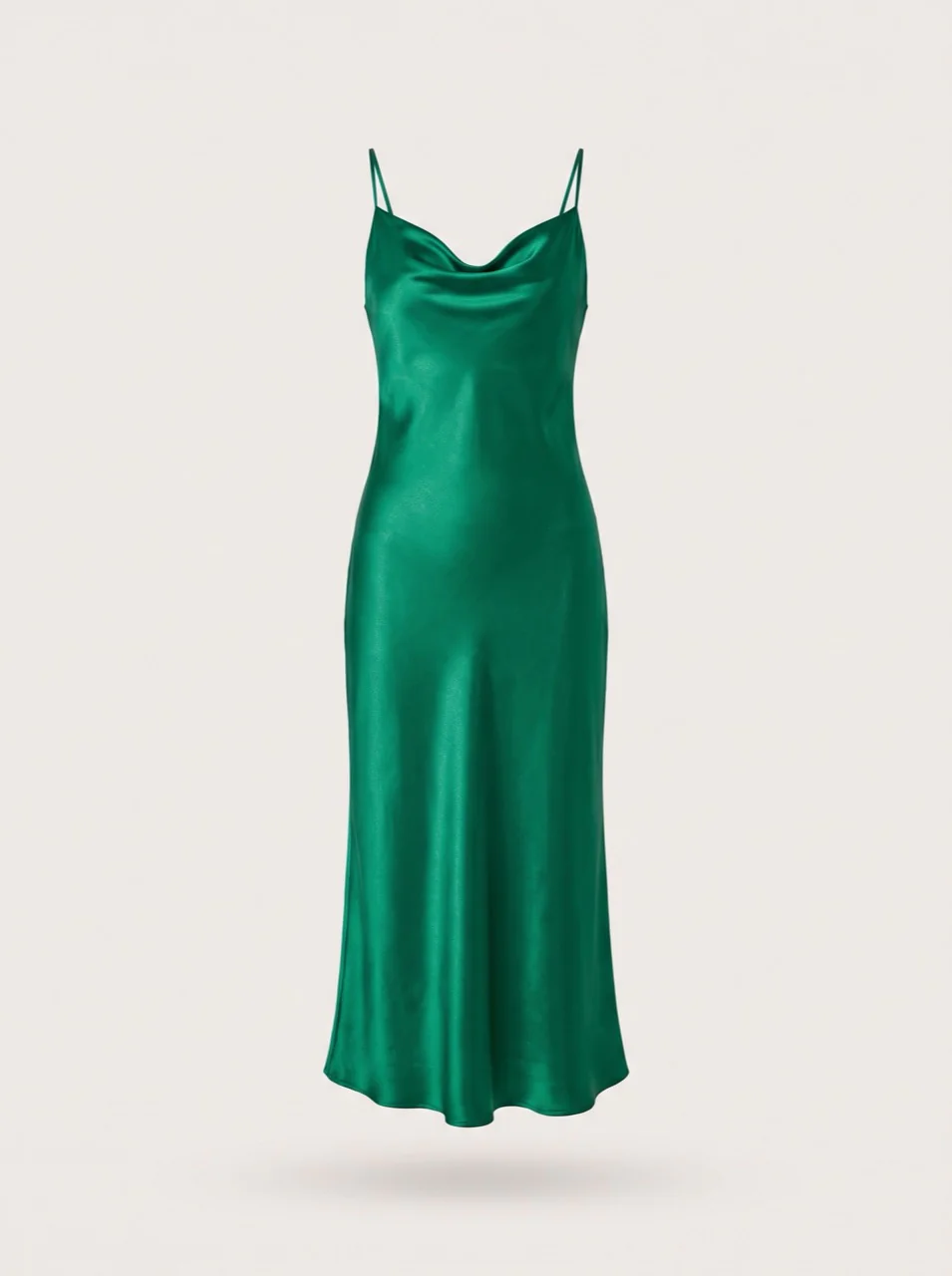
“There's a wedding on Saturday. Does this green suit me?”

Emerald Satin Midi Dress₺2,450

Virtual try-on for ikas stores
Prova adds a try-on button to your product pages. Your shopper uploads their own photo and, seconds later, sees the product on themselves. Undecided shoppers add to cart with confidence.
Shopper's photoProva resultThrough the shopper's eyes
Your shopper tries it on without ever leaving the product page. This is the whole flow they'll see in your store.
Try it on now!
 Click to change+
The tailor is making the last stitches…
Prova fitting roomSee in different settings
Before / after
On the left, an ordinary photo the shopper picked from their gallery. On the right, Prova's result on the very same shot. Drag the handle in the middle to compare. Swipe sideways for more examples.
BeforeAfterAyşe, 28 · mirror selfie
“There's a wedding on Saturday. Does this green suit me?”

 BeforeAfter
Mert, 32 · living room
“First week at a new job. Is a blazer too formal?”


 BeforeAfter
Zeynep, 45 · hallway mirror
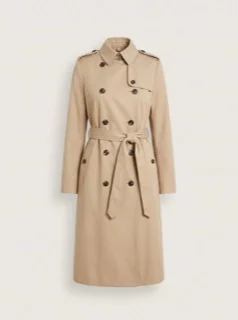
“Trench coats always look too long on me. This one too?”

 BeforeAfter
Can, 23 · balcony
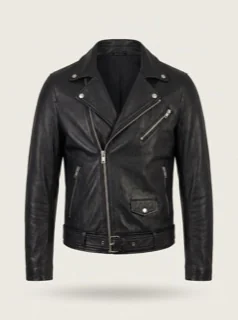
“The concert is on Friday. Can I pull off a leather jacket?”
The people, photos, store and dashboard data on this page are sample scenarios prepared to illustrate the Prova flow.



 Scene: Original
Change the scene
A shopper who likes the result picks a scene under “See in different settings”. Same person, same dress, now at a wedding, at dinner, on the street or at the beach. Seeing the product in their own life makes the decision easier.
Scene change 1 creditOffice and park scenes are in the widget too
For your business
Prova records every try-on, every like and every purchase that follows a try-on. You see in numbers which product carries shoppers to the cart.
Track your widget performance and conversions
Unique sessions and widget opens
Stage performance by session
Views, try-ons and purchases by URL
| Page | Views | Try-ons | Purchases |
|---|---|---|---|
Emerald Satin Midi Dress/zumrut-saten-midi-elbise | 2,140 | 172 | 31 |
Belted Gabardine Trench Coat/kemerli-gabardin-trenckot | 1,580 | 121 | 18 |
Camel Wool Blazer/deve-tuyu-yun-blazer | 1,320 | 88 | 14 |
Black Leather Biker Jacket/siyah-deri-biker-ceket | 990 | 57 | 8 |
Like votes on the result screen
Try-on and like counts appear next to the button. “People who tried this also tried” suggestions lead shoppers to your other products.
Shoppers who try on and buy in the same session are tracked in their own metric, side by side with your site-wide conversion.
Each try-on costs 2 credits, each scene change 1. Your balance is shown in the dashboard; top up when it runs low.
Setup
No tech team needed. Your button is on your product pages in three steps.
Sign up for free or install Prova through ikas. 5 credits are added to your account to get you started.
+5 credits addedEnter your store domain. Paste your personal one-line script into your site's <head>.
<script defer
  src="https://api.prova.so/widget.js"
  data-website-id="8f1c…e42a"></script>
Click “Verify installation”. The button appears on your product pages; run the first try-on with your own product.
✓ Script detected, you're all set!Pricing
Start on the free plan and upgrade when you need to. Switch between plans any time.
1 try-on = 2 credits1 scene change = 1 creditExtra credit packs are bought in the dashboard
FAQ
Can't find your answer? Write to us at info@prova.so.
No app to download, no account to create. They tap the button on the product page, pick a photo, give consent and tap “Try On”.
A full-length photo or a mirror selfie is enough. The more of the body is visible and the better the light, the more realistic the result.
Each virtual try-on uses 2 credits and each scene change uses 1. Your monthly credits depend on your plan; if you run out, you can buy an extra credit pack.
It currently works on ikas stores. Support for Shopify, WooCommerce, IdeaSoft, Ticimax, T-Soft and OpenCart is on the way.
Photos are used only to generate the try-on image and are automatically and permanently deleted from our servers within 24 hours of upload. See our Privacy Policy for details.
Forever. Test virtual try-on in your own store with 5 one-time credits and move to a paid plan when you're ready.
Yes, you can upgrade or downgrade any time. Changes apply from the next billing period.
Set it up today on the free plan and run the first try-on with your own product. No credit card needed.
Questions? info@prova.so